
Getting Started
Your browser does not support video playback.
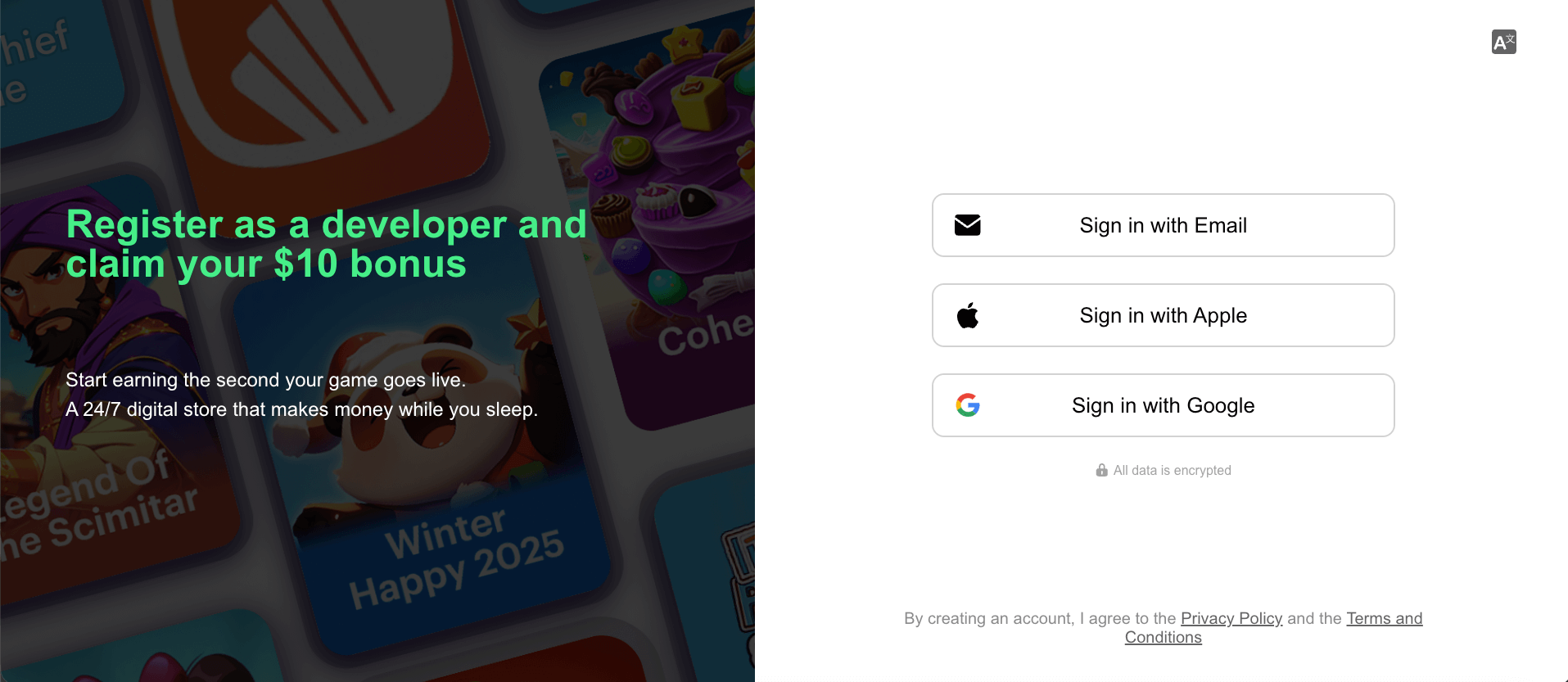
1. Register a Developer Account
Open the KiX Developer Center and sign in with Google, Apple, or email.
2. Quickly Publish a Game
After registration, you will enter the quick publish page.
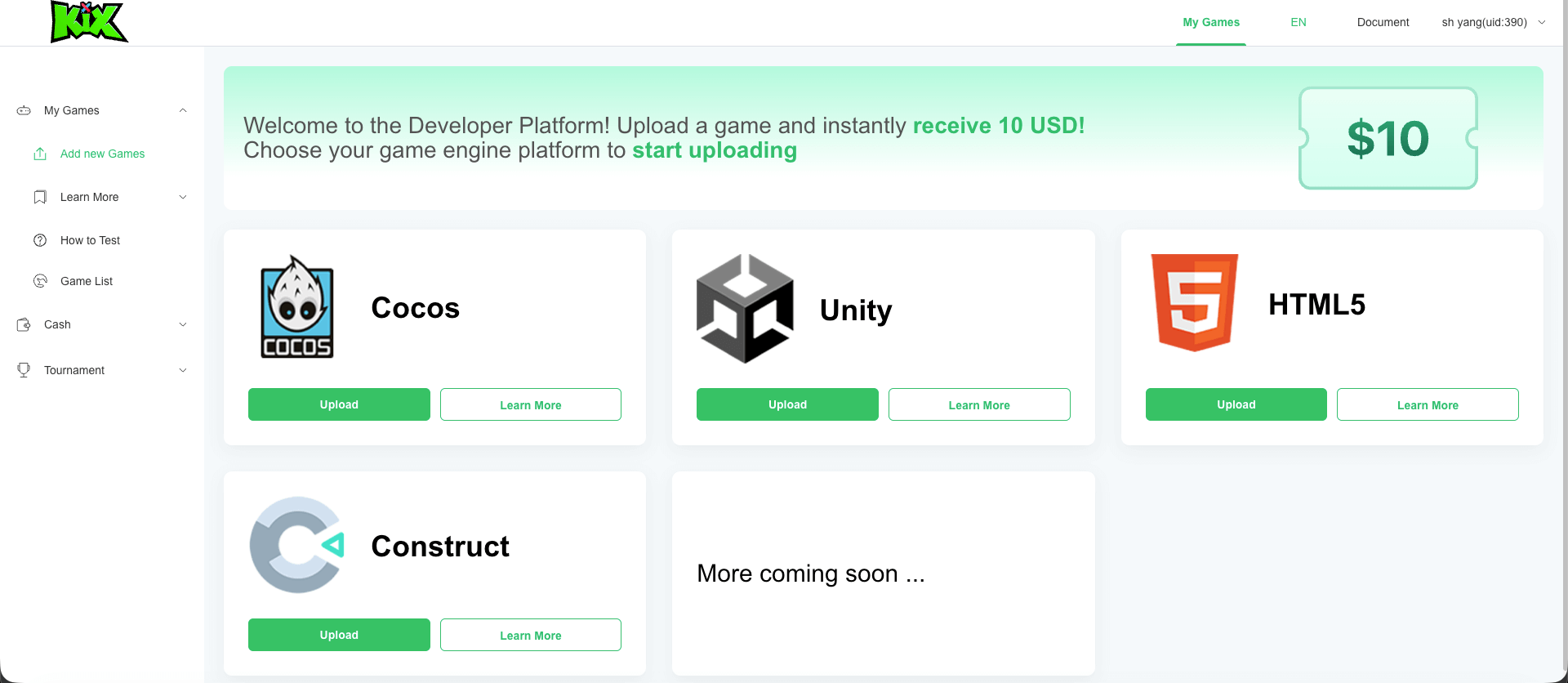
On this page, you can upload your game archive and fill in the game information.
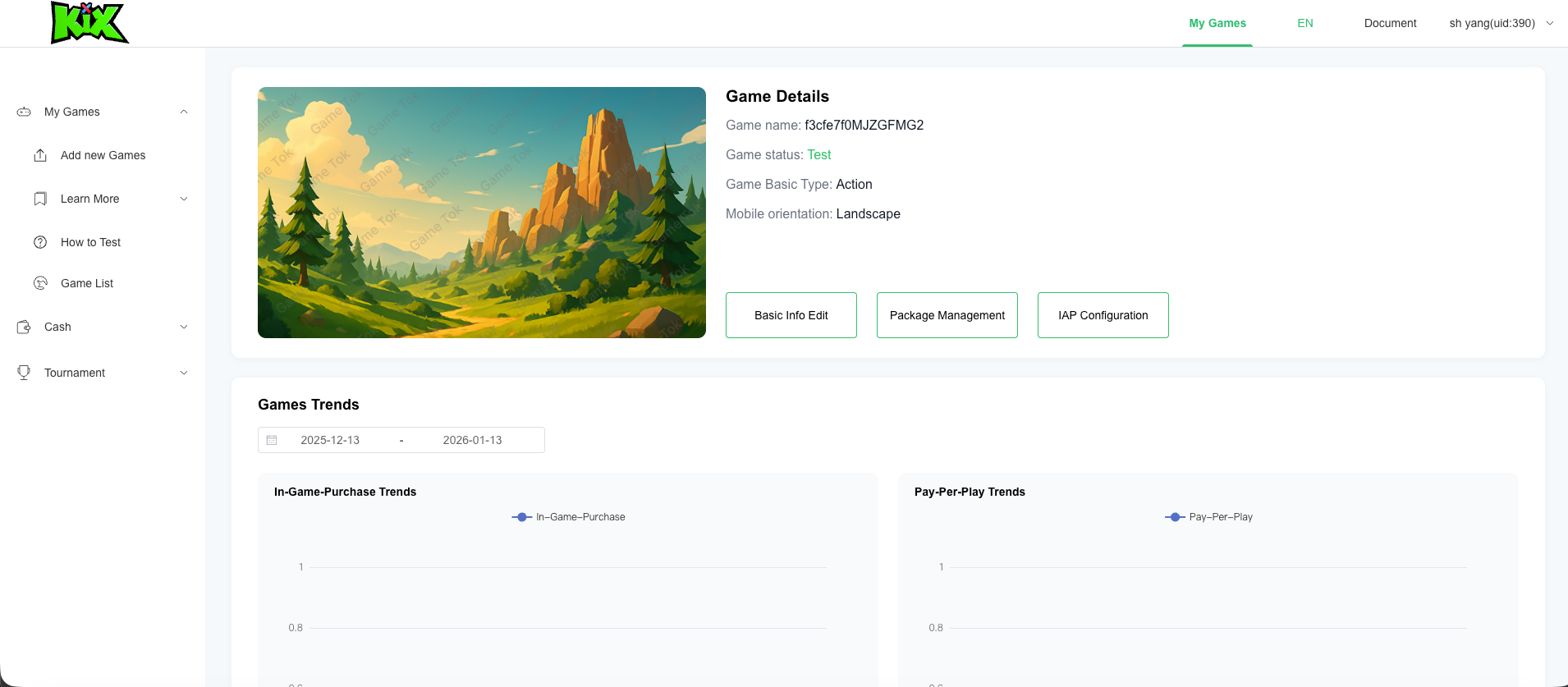
2.1 Edit Game Information
Game information includes the game name, description, and screen orientation.
Then upload two images that match the specifications below to replace the default ones:
| Image | Size | Purpose |
|---|---|---|
| Cover | 796 × 448 | Shown on the game detail page |
| Icon | 500 × 500 | Shown in lists and search results |
2.2 Enter Your KiX App User ID
Find KiX App here:
- Apple Store: https://apps.apple.com/us/app/kix/id6756773460
After installing and registering, find your user ID on the "ME" page. Enter this ID in "Test User ID Configuration" so this user can preview your game during the review stage.
3. Click "online" to publish your game
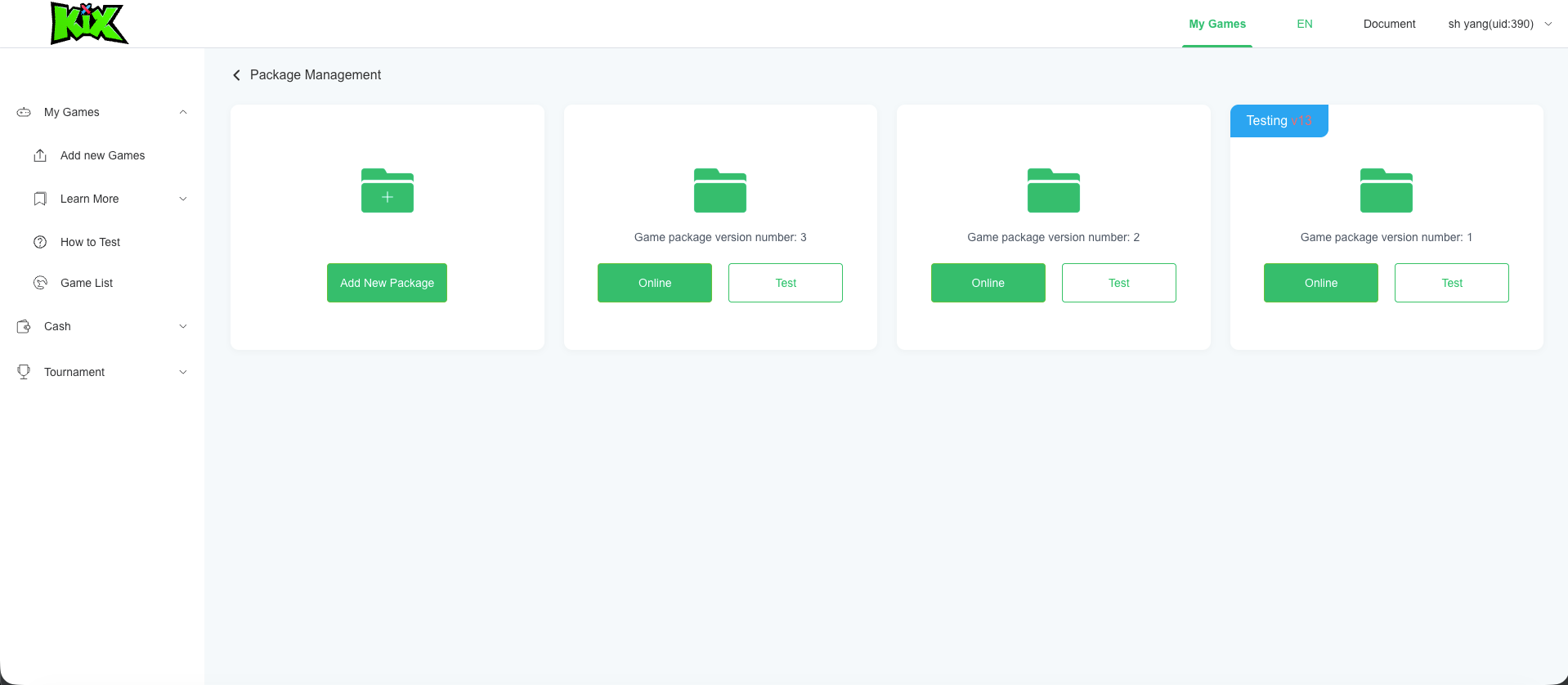 Your game will be reviewed within 24 hours. After approval, it will appear in the KiX App for players worldwide.